Best Multi-Monitor Setups for Day Traders
- 12/15/2025 05:06am
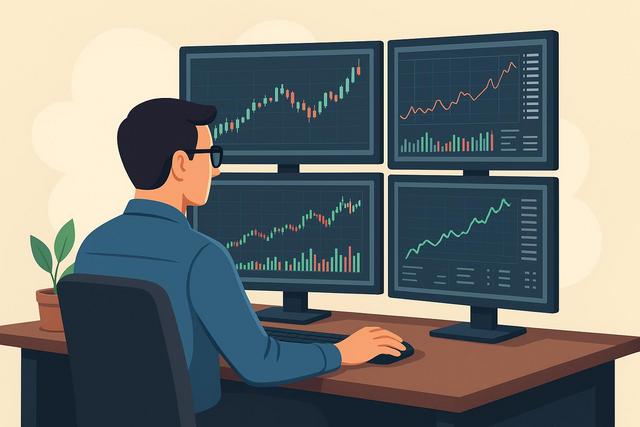
In the fast-paced world of day trading, every second counts. To capitalize on fleeting opportunities, traders require optimal setups that cater to speed and efficiency. Multi-monitor configurations are pivotal for enhancing one's trading environment, offering a competitive edge. This guide provides insights into the best multi-monitor setups for day traders, ensuring you maximize your trading prowess.
The Importance of Multi-Monitor Setups for Traders
For day traders, a split-second decision can mean the difference between profit and loss. Multiple monitors allow traders to keep an eye on various markets, manage multiple trading platforms, and perform technical analysis concurrently. The increase in screen real estate not only reduces the need to switch between tabs but also enhances the capacity to process information rapidly. Recent studies have shown that productivity can improve by up to 42% with additional screens, underscoring the advantage of multi-monitor setups.
Key Elements of an Effective Trading Setup
Choice of Monitors
Choosing the right monitors is fundamental. Consider the resolution, refresh rate, and size:
- Resolution: Opt for at least a Full-HD (1920x1080) display, but for more detailed viewings, a 4K resolution is ideal.
- Refresh Rate: A minimum of 60Hz; however, 120Hz is preferable for smoother motion.
- Size: Personal preference plays a role, but typically, 24 to 32 inches are recommended for trading.
Configuration and Layout
The layout should be tailored to your specific needs:
- Vertical Arrangement: Suitable for reading extensive charts or stock verticals.
- Horizontal Spread: Ideal for monitoring different aspects like charts, news, and trading platforms all at once.
Consideration of Ergonomics
Comfort should never be an afterthought. Arrange monitors at eye level to reduce neck strain and ensure that you can view them all without excessive head movement. Ergonomic considerations help in maintaining a sustainable trading routine.
Case Study: A Peek into a Successful Trader's Desk
John, a professional day trader, attributes his substantial profit margins to an efficient multi-monitor setup. His configuration includes three 27-inch monitors aligned horizontally, allowing him quick access to live news feeds, trading charts, and order entry screens. He emphasizes how this arrangement minimizes distractions and enhances decision-making efficiency.
Technology Tools and Resources
Graphics Cards and Connectivity
Ensure your computer can support multiple monitors. Graphics cards such as NVIDIA's and AMD's latest offerings provide multiple output ports which are crucial for robust multi-monitor setups. Consider using display adapters for additional connectivity options.
Desk and Peripheral Management
Cable management can’t be overlooked in a professional setup. Use cable organizers and invest in adjustable monitor arms which facilitate better space usage and comfort. Visit Cable Management Guide for detailed solutions.
Actionable Tips for an Enhanced Trading Experience
- Calibrate Monitors: Adjust color settings for optimal screen clarity.
- Hotkeys: Utilize keyboard shortcuts for quicker access and efficiency.
- Backup Power: Consider power backup solutions like UPS to prevent disruptions.
- Financial News Providers: Keep a monitor dedicated to real-time news for quick response.
Conclusion
Investing in a high-quality multi-monitor setup is one of the prudent moves a day trader can make. By thoughtfully configuring your trading station, you can significantly maximize your productivity and, consequently, your earnings. Evaluate your specific needs, stay updated with the latest in technology, and continuously adapt your setup for optimal performance.
These setups are not mere luxuries but essential components on the path to trading success. Start experimenting with different configurations and see which best amplifies your trading efficiency. With the right setup, you can transform your trading station from ordinary to extraordinary, bringing you closer to your investment goals.

